
Product Color: GREEN
View: 544
In Stock
Specification and Upgrade Options
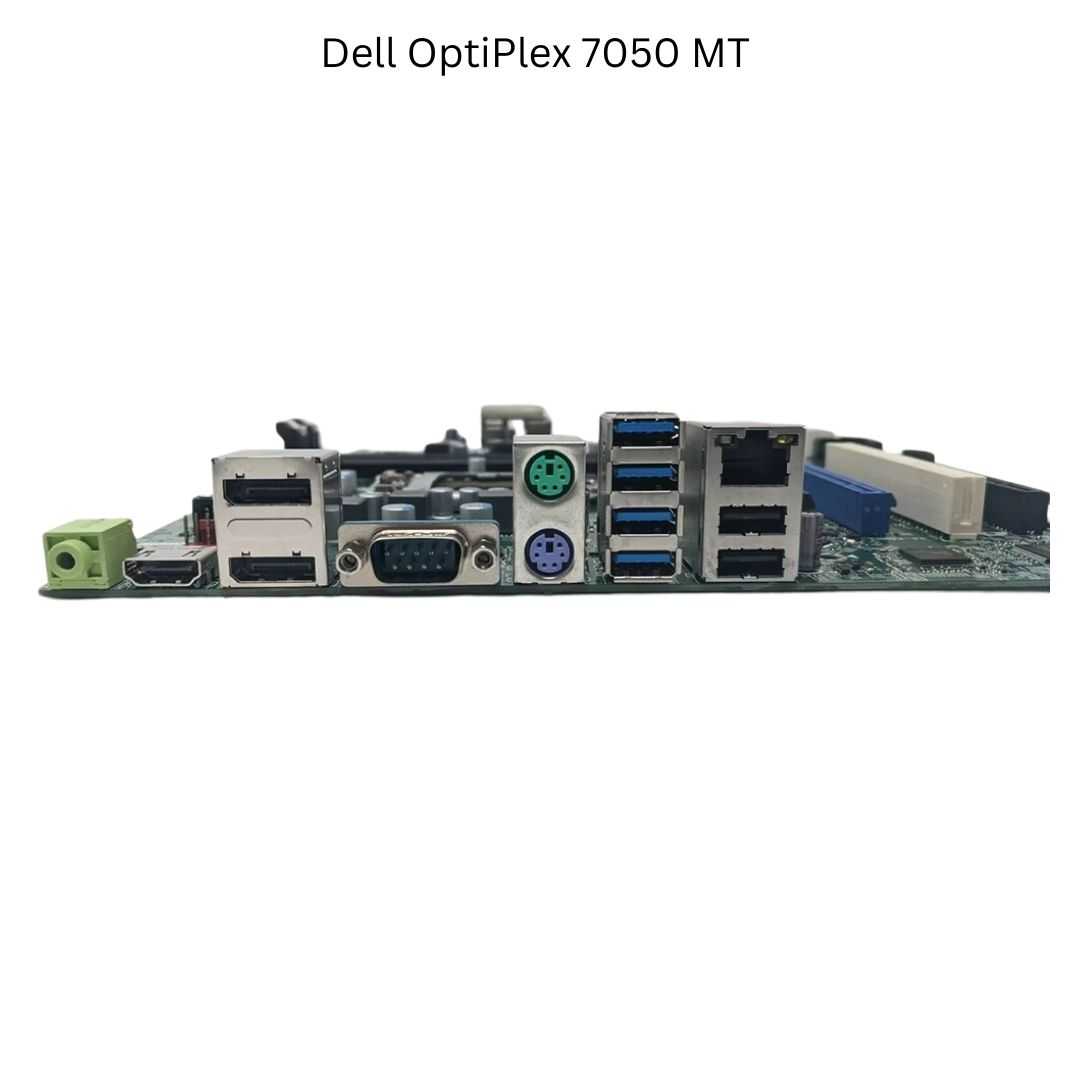
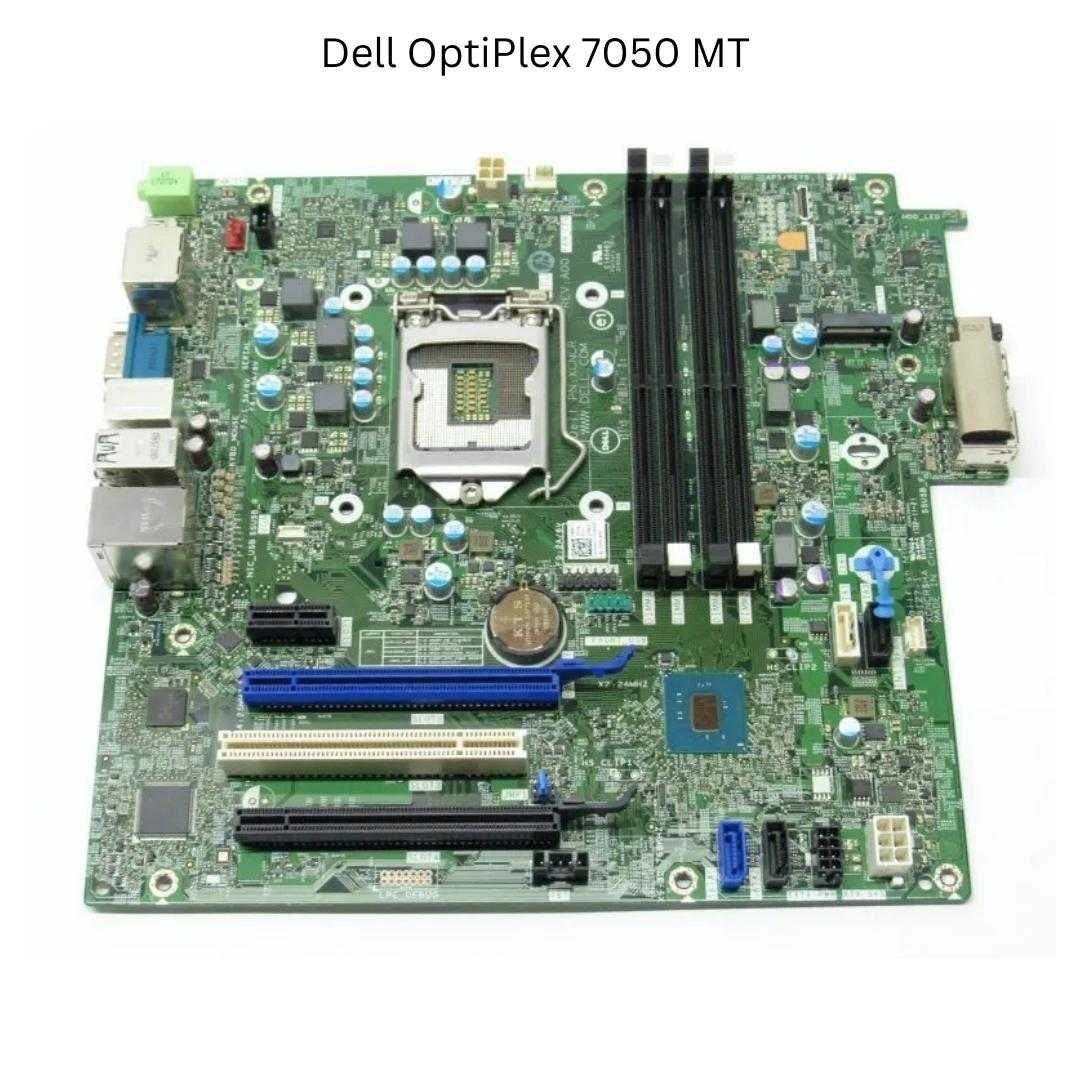
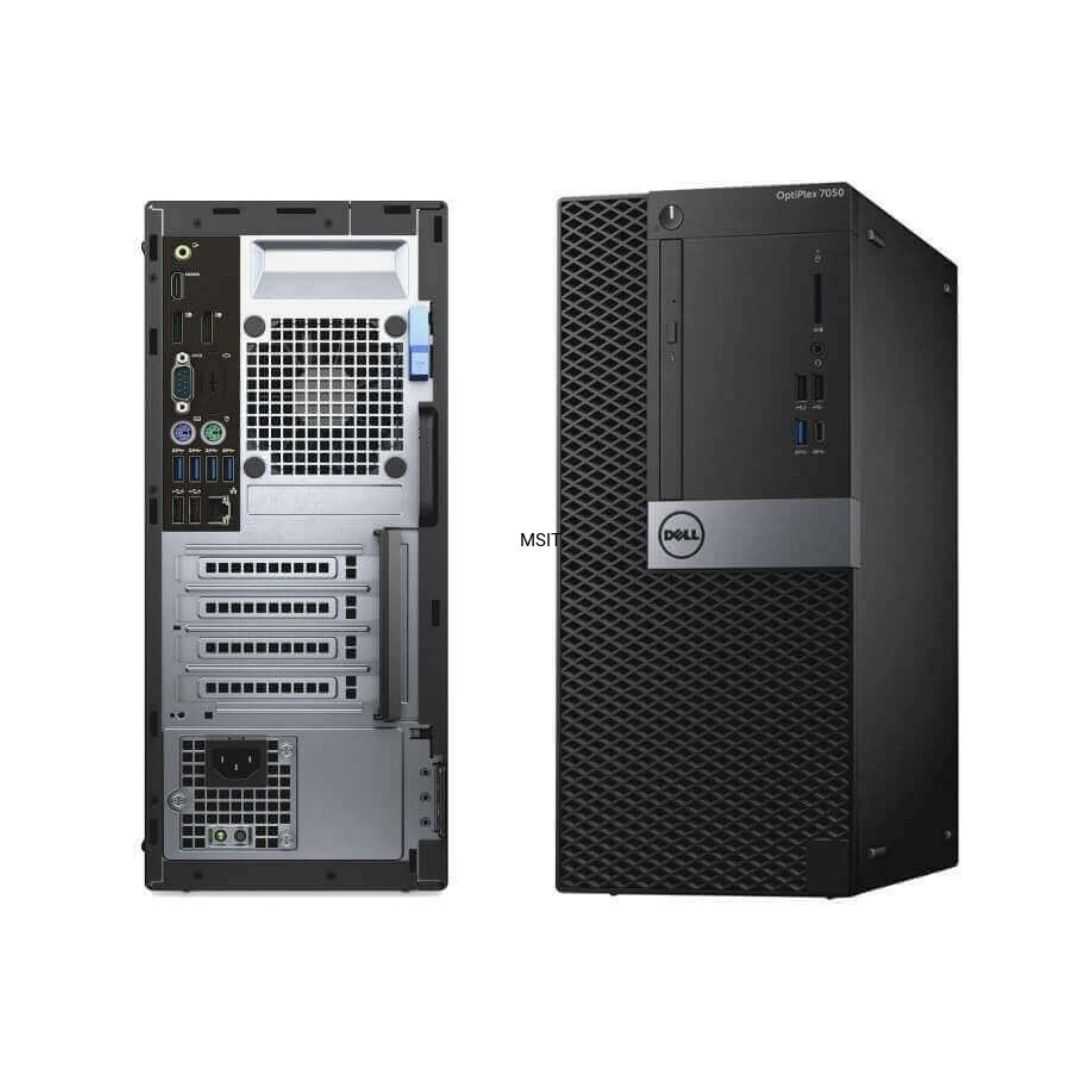
The Dell OptiPlex 7050 MT is a pre-built business desktop computer first released in 2017. Although more than five years old, it is still a viable solution for home, office, and when properly upgraded – gaming. The motherboard is using the Q270 chipset and supports 7th gen Intel Core processor, 64GB of DIMM DDR4-2133/2400 memory, and dedicated graphics card. Dell OptiPlex 7050 MT is a Mini Tower form factor computer. The Mini Tower is the largest chassis in the business class desktops segment. If you are looking for a system with maximum upgradability, Dell OptiPlex 7050 MT is a good option. Models in this category usually have 4x PCIe slots, several drive bays and better cooling.
Specification and Upgrade Options
The Dell OptiPlex 7050 MT is a pre-built business desktop computer first released in 2017. Although more than five years old, it is still a viable solution for home, office, and when properly upgraded – gaming. The motherboard is using the Q270 chipset and supports 7th gen Intel Core processor, 64GB of DIMM DDR4-2133/2400 memory, and dedicated graphics card.
Dell OptiPlex 7050 MT is a Mini Tower form factor computer. The Mini Tower is the largest chassis in the business class desktops segment. If you are looking for a system with maximum upgradability, Dell OptiPlex 7050 MT is a good option. Models in this category usually have 4x PCIe slots, several drive bays and better cooling.
Can you upgrade Dell OptiPlex 7050 MT to play games?
Yes, you can upgrade Dell OptiPlex 7050 MT for gaming with better processors, graphics card, memory, and storage devices. However, like many other business pre-built PCs, this model may have proprietary elements like the power supply, the chassis or the power connector, which can make it difficult for users to install aftermarket PSUs to support better GPUs. You can also find that there is space constrains inside the chassis, making it difficult to accommodete larger GPU to boost the gaming performance.
Please explore the sections bellow to find ideas and suggestions on how to upgrade Dell OptiPlex 7050 MT.
Windows 11 compatibility
No, Dell OptiPlex 7050 MT does not meet the Windows 11 hardware requirements. According to Windows 11 specification, all models with Intel 7th Gen CPU or older are not officially supported. Processor with TPM 2.0 and a UEFI Secure boot BIOS is also required in order to upgrade from Windows 10 to Windows 11 through Windows Update.
However, anyone with PC that does not pass the upgrade test can download the official Windows 11 ISO, make a bootable flash drive, and install the OS manually.
GPU upgrade
You can upgrade Dell OptiPlex 7050 MT with a full size GPU. Models like NVIDIA GTX 1660 or GTX 1650 Super are good and safe upgrade option and will work with most Mini Tower form factor. However, keep in mind that the type of GPU you can install will depend on the available space in the chassis and the PSU power rating.
Before you begin shopping for a new GPU, it's important to consider the power supply unit (PSU) currently installed. This is because powerful GPUs require more power than the stock PSU can provide, which means that you may need to upgrade your PSU as well.
According to the manual, the maximum stock power supply available on Dell OptiPlex 7050 MT is 240W. However, to be absolutely sure, check the stock power supply power rating and use one of the GPUs from the table.
GPU upgrade options for Dell OptiPlex 7050 MT with the stock 240W power supply:


